Take Humanify AI Everywhere You Go
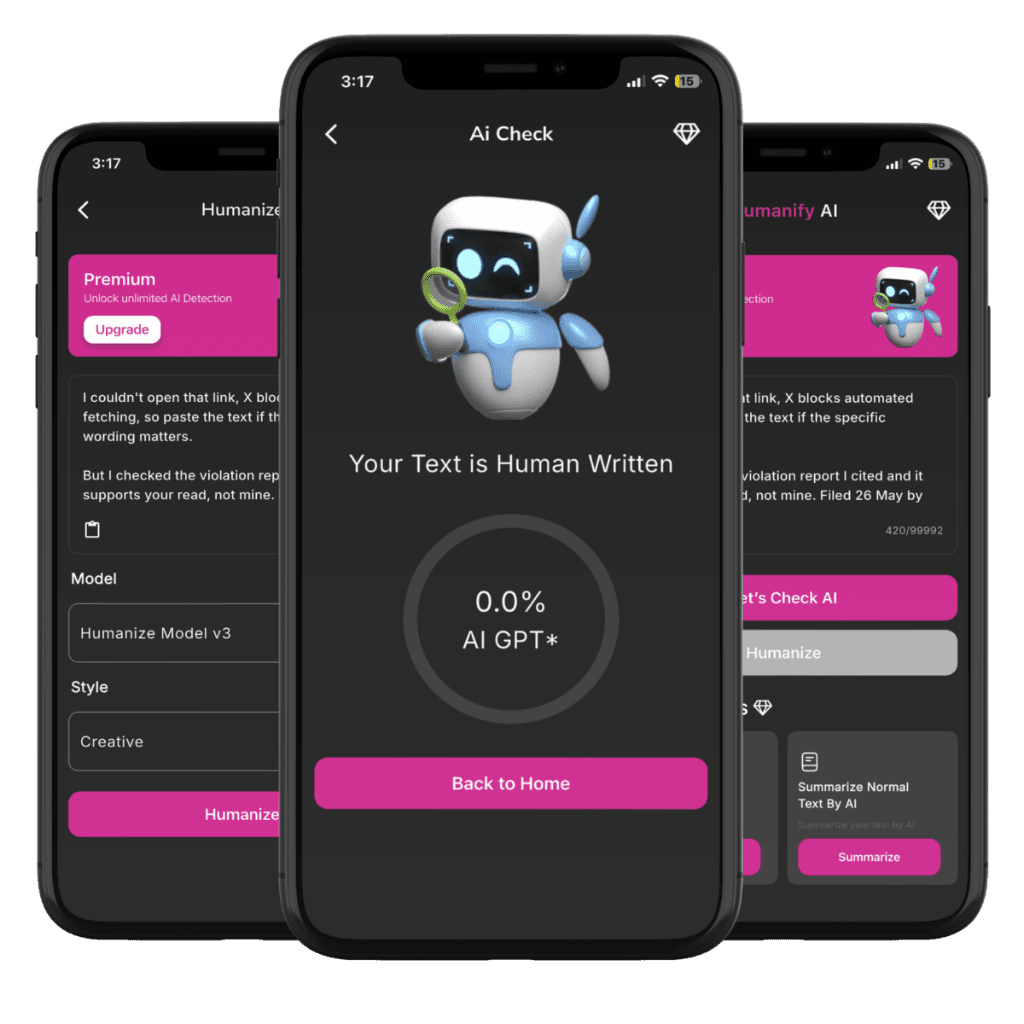
Scan PDFs, check AI authenticity in real-time, and humanize stiff writing with our powerful Model v3 neural networks — crafted natively for iPhone & iPad.
10K+
App Store Downloads
0.0%
AI Detection Target
Model v3
Latest Neural Engine
< 2s
Instant Mobile Results
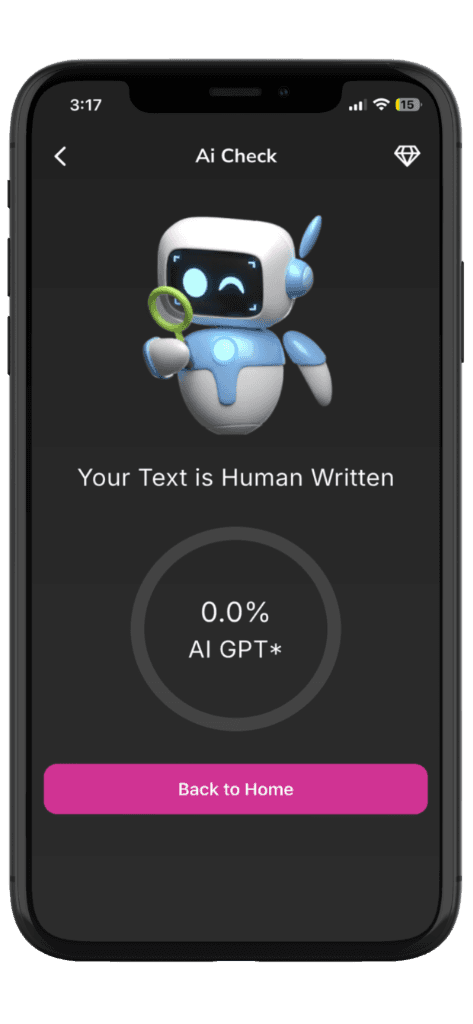
Instant AI Detection with Real-Time Scoring
Paste any text and get an instant breakdown of whether your content shows AI signals or reads 100% human. Our friendly AI mascot guides you through every step.
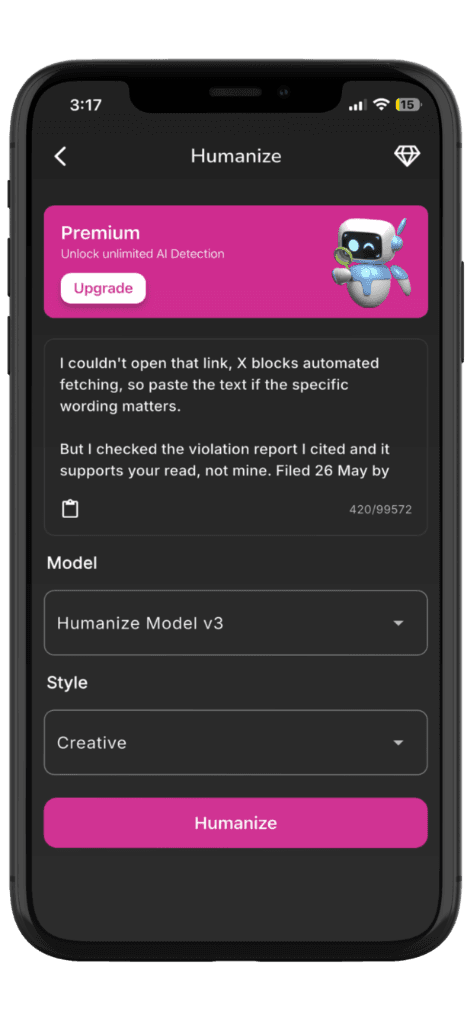
Humanize Model v3 with Custom Styles
Transform robotic, predictable phrasing into rich, natural prose. Select between Creative, Academic, Formal, and Conversational modes tailored to your exact audience.
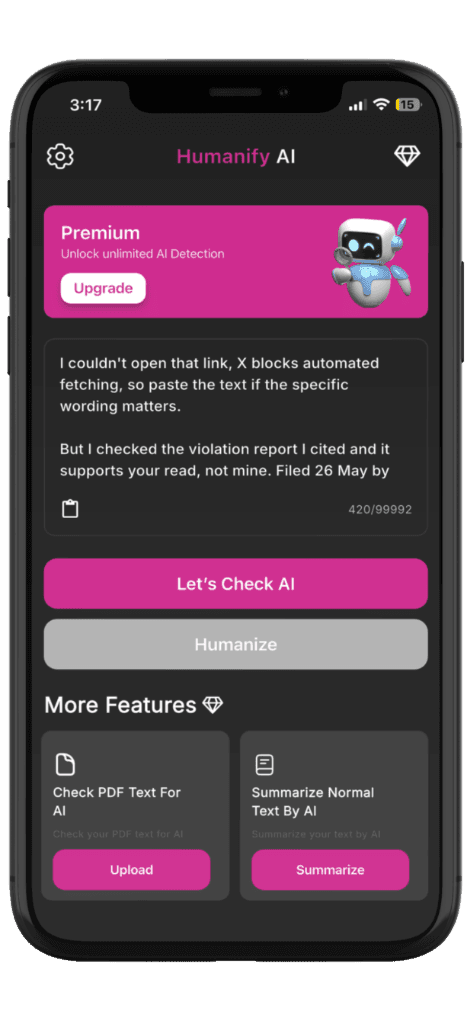
Check PDF Text & Summarize in One Tap
Directly upload PDF documents, essays, contracts, or articles from your Files app or cloud storage. Extract text, check AI signals, and generate bulleted summaries in seconds.
Built for Speed & Convenience
Everything you need for content checking, built directly for iOS.
Instant Native Speed
Optimized mobile engine provides responses in under 2 seconds.
Privacy First
Your data is encrypted end-to-end and never used to train public models.
Cloud Sync
Seamlessly access your credits and history across web and mobile.
PDF & Document Scan
Import files directly from iCloud Drive, Google Drive, or local storage.
Biometric & Secure
Keep your drafts and detection history private on your device.
Frequent Updates
Continually updated detection and humanizing algorithms.
Download Humanify AI for iOS
Point your iPhone camera at the QR code below or tap the button to open the App Store directly.

Requires iOS 15.0 or later. Compatible with iPhone and iPad.
Frequently Asked Questions
Everything you need to know about the Humanify AI mobile app.
Is the Humanify AI iOS app free to download?
Yes! The app is completely free to download from the Apple App Store and comes with complimentary starter credits so you can immediately test AI detection and text humanizing.
Do my web subscription credits work on the iOS app?
Yes. Simply log into your Humanify AI account in the mobile app, and all your active subscription credits, word limits, and history will seamlessly sync.
Can I scan PDF files directly on mobile?
Absolutely. The iOS app includes a dedicated 'Check PDF Text' feature allowing you to import PDF documents directly from your Files app, Google Drive, or iCloud Drive.
Is my submitted text kept private?
Yes. All submitted content is transmitted with end-to-end TLS encryption and is never saved permanently, sold, or used to train third-party public models.